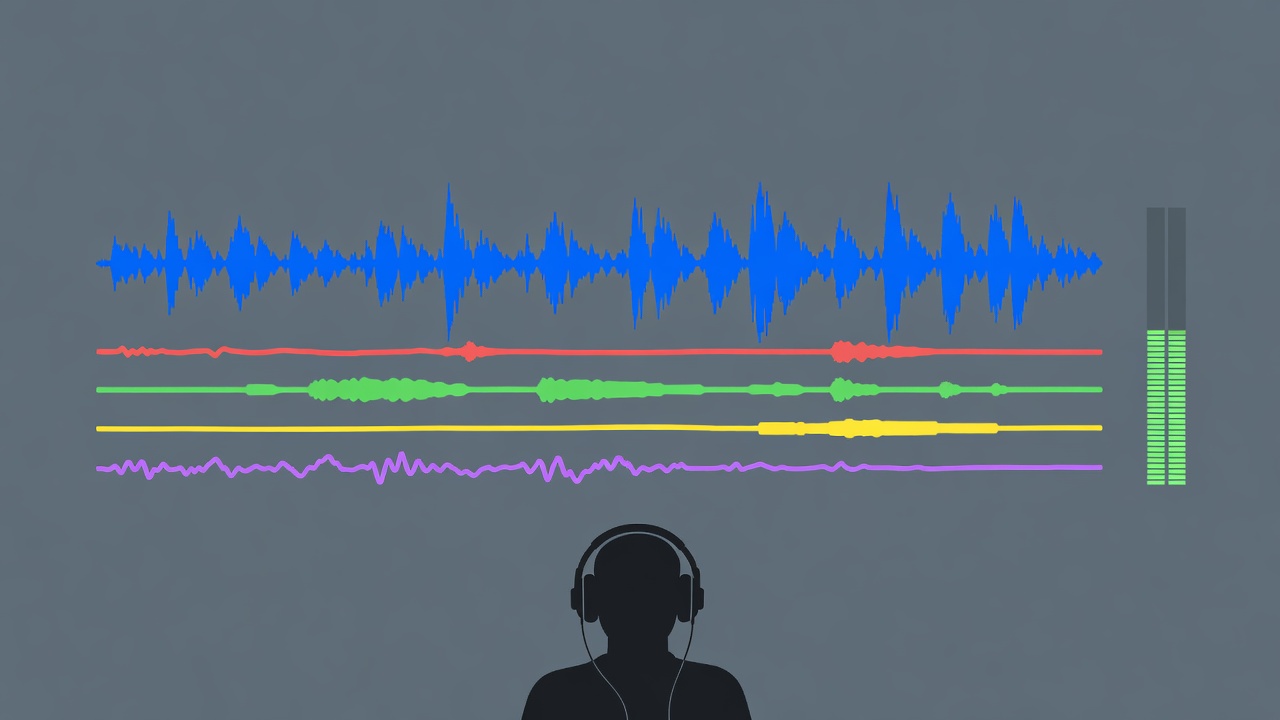
Keep the source before trying to improve it
Import the original generated file into a clearly labelled source track, then duplicate it for editing. Preserve the downloaded format and note any conversion the DAW performs. A higher sample rate or bit depth on export cannot restore detail missing from a compressed source. Avoid repeatedly encoding to a lossy format during production. Work from the best available file and retain an unprocessed version so every repair can be judged against the actual starting point.
Listen once without looking at a spectrum analyser. Write down audible problems with locations: a metallic vocal edge at the phrase ending, an unstable cymbal decay, a blurred kick attack or a click at the loop boundary. This stops the processing chain from becoming a generic collection of plug-ins. Not every unusual sound is a defect. The relevant question is whether it distracts from the musical role or becomes more exposed when other parts disappear.
Separate timing problems from tone problems
A soft transient may sound late even when its waveform begins on the grid. A generated groove may also drift rather than maintain a fixed tempo. Check several points through the passage, not just the opening downbeat. If a short section drifts, choose between a local timing edit, a tempo map and replacing the part. Heavy stretching can introduce a new set of artifacts. Audition the correction inside the track before deciding that visual alignment equals musical improvement.
Measurement context: ITU-R BS.1770 describes algorithms for measuring programme loudness and true-peak audio level. EBU R 128 provides broadcast loudness guidance. Neither is a universal creative mastering target for every music release.
Process for the arrangement you actually have
Begin with level and placement. A part that needs extreme equalisation may simply be too loud or occupying the wrong register. When equalisation helps, identify the competing element and make a small, reversible adjustment. Compression can control an uneven envelope, but it can also bring synthetic swirls or background artifacts forward. Compare processed and bypassed versions at similar perceived levels. If the only improvement is loudness, reduce the output gain before making a judgment.
Be especially cautious with stem separation. A separated vocal or drum part may contain remnants from neighbouring instruments, and recombining processed stems may not perfectly recreate the source mix. Listen for watery high frequencies, softened attacks and ghost notes. Use a stem when it gives you useful control, not because the file label implies purity. Sometimes the original stereo texture at a lower level sounds more natural than an aggressively isolated component.
For deeper listening and production context, Bob Katz’s Mastering Audio and the Audio Engineering Society are useful reference points. iZotope publishes restoration and metering material; product demonstrations should still be tested against your own source.
Check space, phase and intelligibility
Audition the mix in mono as well as stereo. A wide generated texture can lose body when its channels combine, and it may cover the vocal even when the centre seems clear. A correlation meter can flag relationships worth investigating, but it does not decide whether an effect is musically acceptable. Listen to the actual change. Keep an untreated comparison and avoid solving every width issue by indiscriminately narrowing the whole production.
Use a few familiar listening systems rather than chasing endless devices. Studio monitors, ordinary headphones and a small speaker can reveal different priorities. Listen quietly for balance and at a comfortable moderate level for tonal judgment; repeated loud playback brings fatigue and risk. Take breaks before evaluating subtle high-frequency repairs. A brief pause is often more useful than another processor, particularly when the same passage has been looping for half an hour.
Export an object you can trust
Prepare exports to the recipient’s current specifications, not a remembered universal setting. Confirm sample rate, bit depth, file type, naming, start point and whether the recipient wants processing included. Leave complete decays unless a hard ending is intentional. If delivering stems, align their starts and document any bus processing that means they will not sum exactly to the approved stereo mix. Do not normalise individual stems without discussing the consequence for balance.
Import the final export into a fresh playback context and listen to the beginning, transitions, loudest passage and ending. Check for accidental mutes, clipping, truncated reverb and an incorrect version. Save the project, source files and a short processing note together. Production is complete when the file reliably represents the decisions you made—not when the plug-in chain looks sophisticated or a meter displays a fashionable number.